Tier Loom
Fuse two separate copies of the same equipment type and tier. Two T0 items always make one T1 at no cost.
How to use it
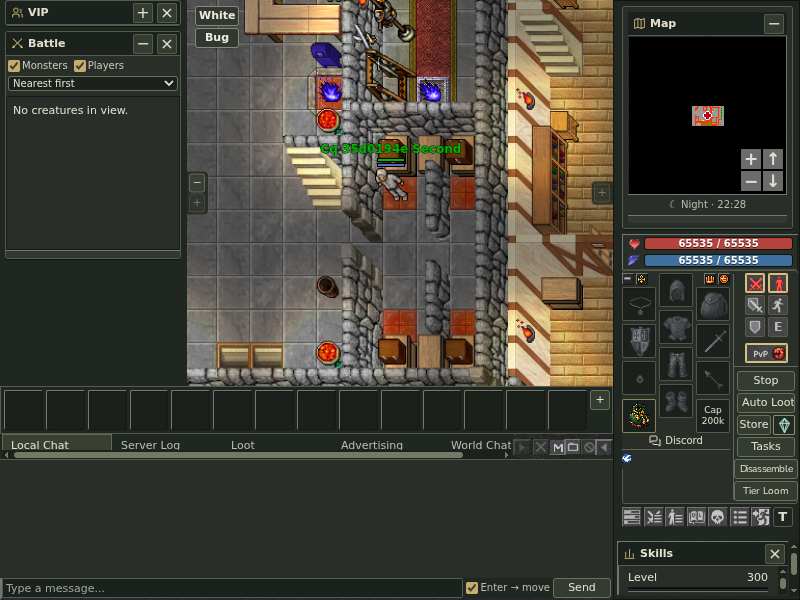
- Choose Tier Loom below Tasks. On mobile, find these actions together in the game menu.
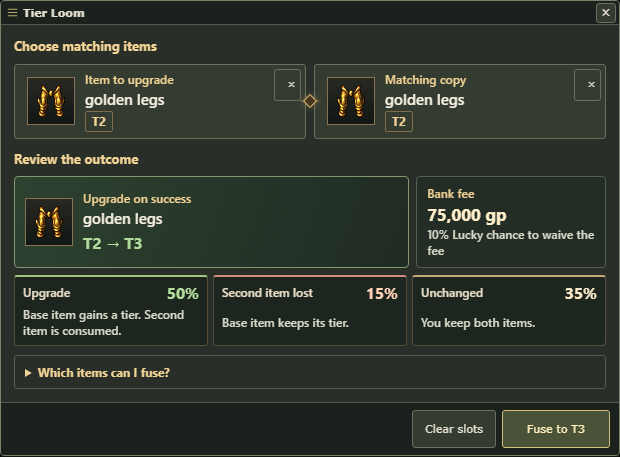
- Open your backpack. Choose the item you want to upgrade and a separate matching copy of the same tier.
- Review the result, the bank fee and the possible outcomes. Press the Fuse button to confirm the attempt.
- T0 fusions are guaranteed and consume the second copy. Fusions from T1 through T5 have different chances and fees. T6 is the highest tier.
- Success upgrades the base item and consumes the second. A burn consumes only the second. An unchanged result keeps both.
- Paid attempts have a separate 10% Lucky chance to waive the fee. The upgrade chance is displayed separately.