Market
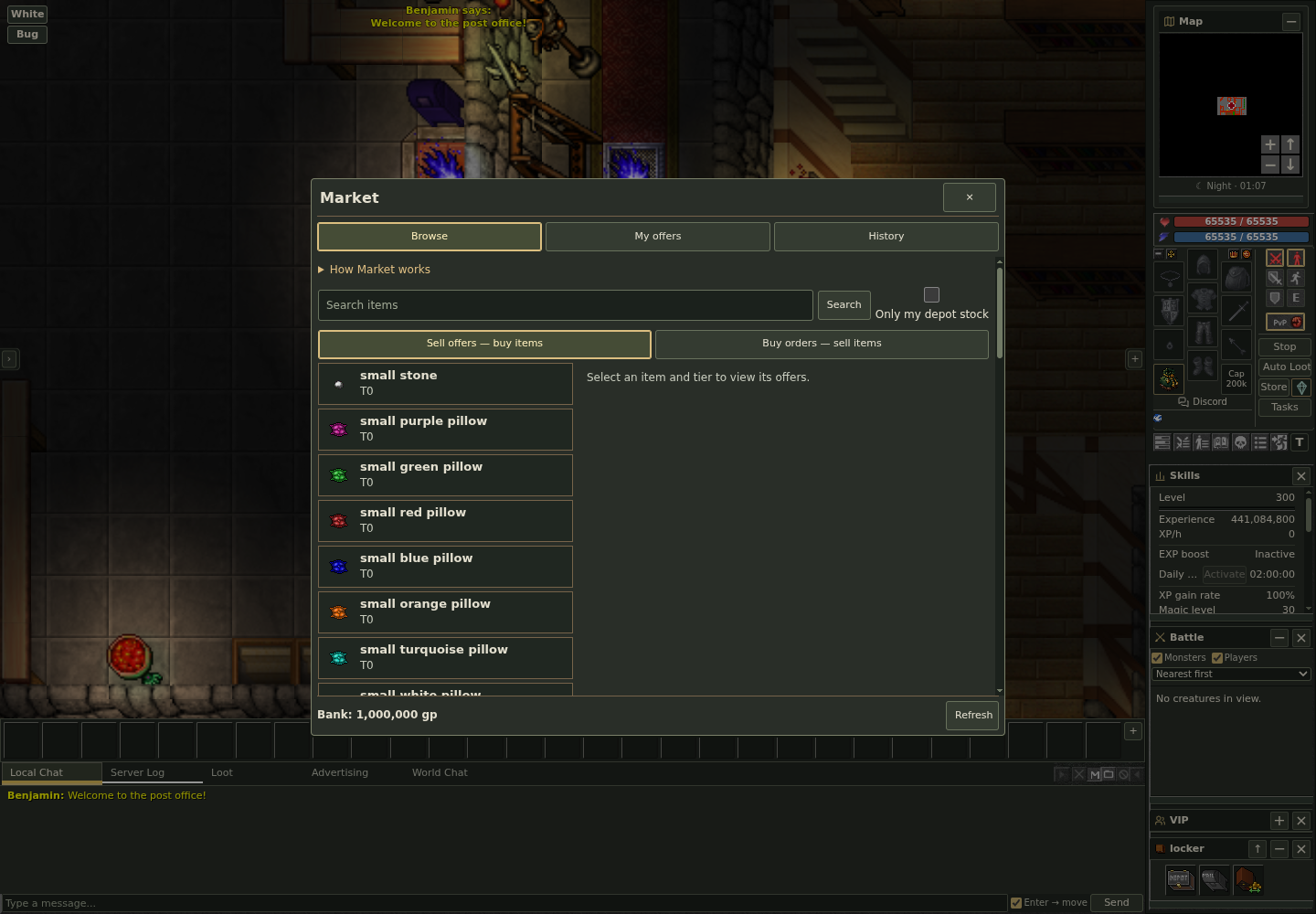
Buy and sell items with other players through your personal depot locker.
How to use it
- Open your own depot locker and use Market in its third slot.
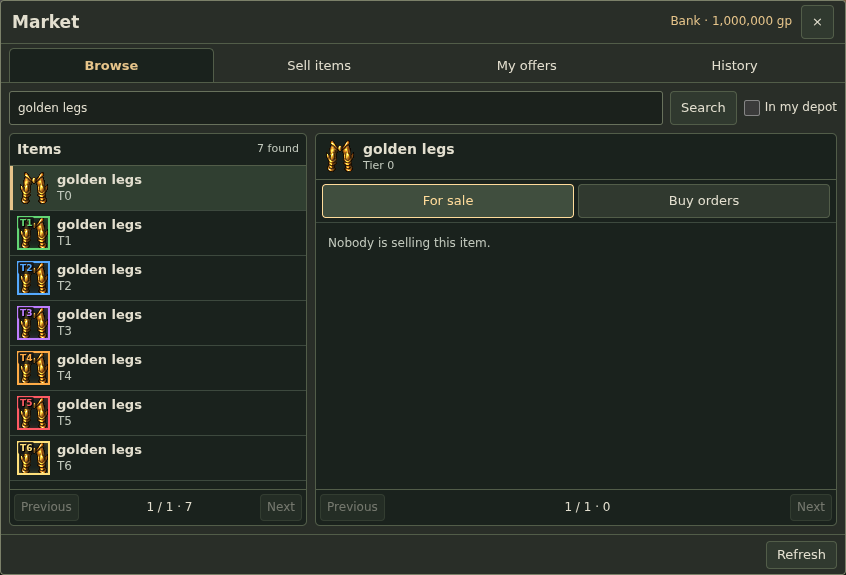
- In Browse, search for an item and choose its tier. For sale shows items you can buy. Buy orders shows requests you can fill with a matching item.
- Before selling, put eligible items in your depot or Inbox. In my depot filters the catalogue to stock you can sell.
- With Premium, open Sell items to list stock from your depot. To request an item, choose it in Browse and select Place buy order. Review the quantity, price per item and fee before confirming.
- Use My offers to review or cancel your orders and History to check completed trades. Collect purchased and returned items from the Inbox.
- Premium accounts may create buy and sell offers. Free accounts may browse and accept existing offers.
- Payments and proceeds go through the bank. Creating an offer costs 2.5% of its value, with a minimum of 20 gp and a maximum of 2,500,000 gp. Offers last 30 days.
- A specific sell offer shows the bonuses on that item. A buy order specifies the item type and tier.